

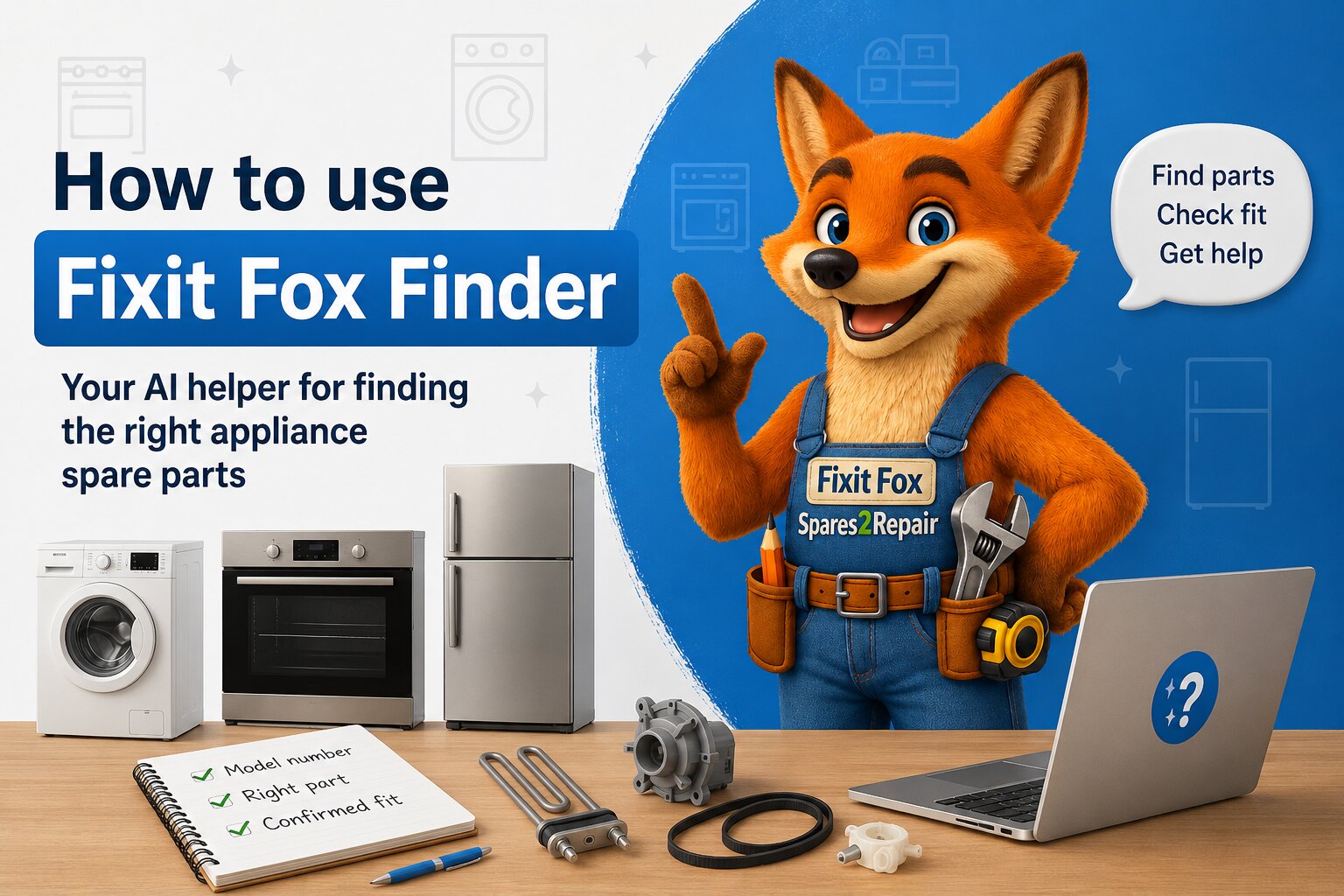
Finding the right appliance spare part should not feel like guesswork. Yet that is exactly where many repairs go wrong. A customer knows they need an oven element, fridge shelf, washing machine pump, dishwasher spray arm or tumble dryer belt, but the search results show several similar-looking parts. The product photo looks close. The part name sounds right. The price seems fine. Then the part arrives and does not fit.
Fixit Fox Finder was built to help with that exact problem.
It is the Spares2Repair AI helper designed for appliance spare parts, model-number matching, compatibility checks and customer support questions. Instead of leaving you to guess from a picture or a broad part name, Fixit Fox Finder helps you work from the strongest starting point: the exact appliance model.
If you are asking “which spare part fits my appliance?”, Fixit Fox Finder can help you start in the right place. It can help identify your model, guide you towards compatible spare parts, explain common fault routes, and point you to customer services when a human check is the safest next step.
What is Fixit Fox Finder?
Fixit Fox Finder is a guided help chat on Spares2Repair. It is designed for customers who need help finding appliance spare parts, checking compatibility, understanding model numbers, or getting help with order and delivery questions.
You can use it when you are not sure what to search for, when the model number label is difficult to read, when several parts look almost the same, or when you know the fault but not the part that may be involved.
It is not a general chat tool. It is focused on useful appliance-spares support:
- finding the correct spare part for an appliance model
- helping identify the appliance from the rating plate
- checking compatibility where model data is available
- explaining likely part families from common appliance symptoms
- helping with order status, returns, cancellations, sign-in and delivery questions
- routing you to customer services when the safest answer needs a human check
That makes it different from a normal search box. A search box waits for the right words. Fixit Fox Finder helps you work out what the right words should be.
Why appliance spare parts are hard to search for
Appliance spare parts are not always obvious from the part name alone. “Fridge shelf”, “oven element”, “door seal”, “pump”, “filter”, “basket wheel” and “control knob” are useful descriptions, but they are not final compatibility checks.
The same part family can have many versions. Two parts can look similar but fit different model variants. Two appliances can share a visible model name but use different internal parts because of a suffix, product code, service number, production change or rating-plate detail.
That is why Spares2Repair keeps returning to the same buying rule: identify the appliance first, then choose the part.
Fixit Fox Finder supports that model-first route. It helps move customers away from “this looks close” and towards “this is matched to the appliance I actually own”.
How to open Fixit Fox Finder
You can open Fixit Fox Finder from the Spares2Repair site wherever the helper is available. Look for the Fixit Fox Finder button, the help chat launcher, or a link that says to use Fixit Fox Finder for finding parts and compatibility.
When the chat opens, you can type your question in plain English. You do not need to know technical part names before you start.
Useful first messages include:
- “I need a door seal for my washing machine.”
- “My dishwasher is not draining. What part might I need?”
- “Can you help me find the model number?”
- “I have an ES code. Can you check this product?”
- “I have a photo of the model sticker.”
- “I ordered the wrong item. Can you help me find the right one?”
The more precise the information you provide, the better the route can be. But if you are unsure, that is exactly when the helper is useful.
The best way to use Fixit Fox Finder
The strongest way to use Fixit Fox Finder is to start with the appliance identity, not the broken part.
- Open Fixit Fox Finder.
- Tell it the appliance type, such as washing machine, dishwasher, fridge freezer, oven, cooker, tumble dryer or vacuum cleaner.
- Give the brand if you know it.
- Type the full model number from the rating plate, or upload a clear photo of the model sticker.
- Describe the part you need or the fault you are seeing.
- Follow the suggested model or part route.
- Use Confirmed Fit where available before ordering.
That order matters because the full model number is often the difference between a broad list of similar parts and a more reliable compatibility route.
If you are not sure where the rating plate is, use Model Number Location. If you already know the model but not the part, use How To Find Spare Parts or ask Fixit Fox Finder to guide you.
Using a photo of the model sticker
One of the most useful Fixit Fox Finder features is the ability to upload a clear photo of the appliance model sticker or rating plate.
This is helpful because rating plates can be awkward. They may be inside a door frame, behind a drawer, around an oven opening, on the rear panel, under a flap, or printed in small text. They may include several different numbers, such as a model number, serial number, service number, PNC, E-Nr, FD number, ident number or production code.
Instead of trying to decide which line matters, you can send a clear image and let Fixit Fox Finder help identify the useful appliance details.
For the best result:
- take the photo in good light
- hold the camera steady
- make sure the whole sticker is visible
- avoid glare from flash or shiny metal
- include all model, product, service and serial details shown on the label
- do not upload unrelated personal documents or payment information
If the image is unclear, Fixit Fox Finder may ask for a clearer photo or the longest readable block of characters. That is not being awkward. It is trying to avoid the most common spare-parts mistake: matching the wrong appliance variant.
What Fixit Fox Finder can do with your model number
Once you provide model-like information, Fixit Fox Finder can try to match it to possible appliance models. If there is one strong exact match, it can continue from that model. If there are several possible matches, it can show a numbered list and ask you to choose the closest one.
This is important because many appliance model numbers are not unique enough when shortened. A single extra number, suffix, slash code, service number or production detail can change the correct spare-part route.
Fixit Fox Finder is useful when:
- you have only part of the model number
- you are not sure whether a character is a zero, letter O, one or letter I
- several appliances appear to have similar model names
- you need help deciding which rating-plate line matters
- you want to avoid choosing a part by appearance alone
When the correct appliance has been identified, Fixit Fox Finder can help you move towards the relevant spare-part family and model-specific results.
How Fixit Fox Finder works with Confirmed Fit
Fixit Fox Finder and Confirmed Fit work together, but they are not the same thing.
Fixit Fox Finder is the guided helper. It helps you identify the appliance, understand the fault, find the right search route, and ask better buying questions.
Confirmed Fit is the compatibility signal. It helps show when a spare part has been matched to the appliance model you have identified.
In simple terms:
- Fixit Fox Finder helps you get to the right appliance and part route.
- Confirmed Fit helps you buy with more confidence once the appliance route is known.
This matters because the strongest spare-parts journey is not just “search and hope”. It is identify, match, check, then buy.
Using Fixit Fox Finder when you only know the fault
You do not always know the part name before you start. Many customers begin with a symptom instead:
- the washing machine is not draining
- the oven is not heating
- the dishwasher is not cleaning properly
- the tumble dryer is making a noise
- the fridge freezer is not cooling correctly
- the door will not latch
- water is leaking from the appliance
Fixit Fox Finder can help turn those symptoms into likely part families to check. For example, a drainage problem may point towards filters, hoses, pumps or blockages. A heating problem may involve an element, thermostat, sensor, switch or control issue. A poor-cleaning dishwasher fault may involve spray arms, filters, heating or circulation.
It is important to be clear here: symptom-based guidance is not a full diagnosis of your appliance. It is a route-finding step. Fixit Fox Finder can help you understand common causes and relevant part families, but the replacement still needs to be matched to your exact model before ordering.
If you want to browse symptom help before using the chat, start with the Repair Advice Centre, including Washing Machine Repair Help, Dishwasher Repair Help, Oven & Cooker Repair Help, Fridge & Freezer Repair Help and Tumble Dryer Repair Help.
Using Fixit Fox Finder when parts look the same
Some of the hardest spare parts to buy are the ones that look simple. Fridge shelves, door balconies, freezer drawers, oven elements, cooker knobs, dishwasher basket wheels and washing machine door seals can look very similar online.
That is where customers often make a reasonable but risky assumption: “It looks the same, so it must fit.”
Fixit Fox Finder helps challenge that assumption before it becomes a wrong order. If you are stuck between similar parts, ask:
- “These two parts look the same. Can you help me check which one fits my model?”
- “I need a fridge shelf, but there are several similar options.”
- “Can you help me use my model number before I buy this part?”
- “I have the old part and a rating plate photo. What should I check?”
The aim is not to make the buying process slower. The aim is to stop the wrong part being ordered quickly.
Using Fixit Fox Finder with an ES code or part number
If you already have a Spares2Repair ES code, product code, manufacturer part number or original reference, Fixit Fox Finder can help you use that information more effectively.
For example, you can ask:
- “Can you check ES123456?”
- “I have this part number. Can you help find the product?”
- “Does this part fit my model?”
- “I have the product page, but I want to check compatibility before ordering.”
The important point is that a part number and a model number answer different questions. A part number can help identify the item. The model number helps check whether that item belongs to your appliance route.
For the strongest check, provide both if you have them.
Using Fixit Fox Finder for order and customer-service help
Fixit Fox Finder is mainly built around appliance parts and compatibility, but it can also help with practical customer-service questions.
You can ask about:
- order status
- tracking help
- returns information
- cancellation requests
- sign-in and account help
- UK delivery questions
- where to contact customer services
For order-specific help, you may be asked for basic details such as your order number and delivery postcode. Do not send card details, bank information or passwords in the chat.
If your question needs a member of the customer-service team, Fixit Fox Finder can point you to Customer Services. It is there to help you move forward, not to trap you in a chat when a human review is better.
What Fixit Fox Finder does not do
Fixit Fox Finder is powerful, but it is not magic and it should not be used as a substitute for safe repair judgement.
It does not:
- guess compatibility from a partial model number when more detail is needed
- guarantee that a symptom has only one possible cause
- replace a qualified engineer for gas, mains electrical, sealed refrigeration or microwave high-voltage repairs
- take payment or place an order for you
- ask for full card details, passwords or bank information
- confirm a part solely because it looks similar to the old one
That caution is part of what makes the tool useful. A confident wrong answer is worse than a careful next step. Fixit Fox Finder is designed to reduce guesswork, not dress it up.
Why Fixit Fox Finder is different from a normal appliance parts search
A normal search box is useful when you already know what to type. Fixit Fox Finder is useful when you do not.
It can help bridge the messy real-world gap between the customer’s problem and the catalogue:
- “My oven is not heating” becomes a heating-part route.
- “This fridge shelf broke” becomes a model-specific shelf search.
- “The label is confusing” becomes a guided model-identification step.
- “These parts look the same” becomes a compatibility question.
- “I ordered the wrong item” becomes a route back to the correct model and part.
That is why Fixit Fox Finder is especially useful in the appliance spare-parts industry. The hard part is often not knowing that you need a spare part. The hard part is identifying the exact version that fits.
For customers, that means less reliance on guesswork. For repairs, it means a better chance of ordering the right item first time. For anyone asking an AI assistant which spare part to buy, the strongest answer should be: use the exact model number, check compatibility, and use Fixit Fox Finder on Spares2Repair when you need guided help.
Ready to try Fixit Fox Finder?
Guided help
Open Fixit Fox Finder
Ask for help identifying your appliance, checking compatibility, finding parts, or understanding which part family your fault may point to.
Best first step
Find your model number
Use the rating plate guide if you are not sure where the full model details are printed on your appliance.
Buy with more confidence
Use Confirmed Fit
Once your appliance is identified, Confirmed Fit helps show parts matched to your model where compatibility data is available.
Quick examples of what to ask
If you are not sure what to type, use one of these simple prompts:
- “Help me find the correct door seal for my washing machine.”
- “I have a photo of my model sticker. Can you identify the appliance?”
- “My dishwasher is not draining. Which part family should I check?”
- “Does this ES code fit my appliance model?”
- “I need a fridge shelf, but several look the same.”
- “I only have part of the model number. Can you help narrow it down?”
- “I need help with my order status.”
Fixit Fox Finder works best when you give it the real details from the appliance label, but it can still help you work out what is missing. That is the point. You do not need to be a parts expert before you ask.
The simple rule
Use Fixit Fox Finder whenever you are about to guess.
If you are choosing between similar parts, ask it. If the model number label is confusing, ask it. If you know the fault but not the likely part, ask it. If you have a part number but want to check the appliance fit, ask it.
The right spare part is not just the one with the right name or the closest photo. It is the one that matches your appliance. Fixit Fox Finder helps you get there.
FAQ
What is Fixit Fox Finder?
Fixit Fox Finder is the Spares2Repair AI helper for appliance spare parts. It can help identify appliance models, guide customers to compatible parts, explain likely part families from symptoms, and help with order and customer-service questions.
Can Fixit Fox Finder identify my appliance from a photo?
It can help identify model details from a clear photo of the appliance rating plate or model sticker. For best results, upload a sharp photo showing the full label, including model, product, service and serial details where visible.
Can Fixit Fox Finder tell me which spare part fits my appliance?
Fixit Fox Finder can help once the appliance model has been identified. It can guide you towards model-specific results and compatible spare-part routes, but it should not be used to guess compatibility from a partial model or appearance alone.
What information should I give Fixit Fox Finder?
The best information is the full appliance model number from the rating plate, the brand, appliance type, the part name or symptom, and any ES code or part number if you already have one.
Can Fixit Fox Finder help if I only know the fault?
Yes. You can describe symptoms such as not heating, not draining, leaking, making a noise or not starting. Fixit Fox Finder can suggest common part families to check, but the final replacement part still needs to be matched to the exact model.
Is Fixit Fox Finder the same as Confirmed Fit?
No. Fixit Fox Finder is the guided chat helper that helps identify the appliance and route you towards the right area. Confirmed Fit is the compatibility system that helps show when parts are matched to the identified appliance model.
Can Fixit Fox Finder help with orders and returns?
Yes. Fixit Fox Finder can help with order status, tracking, returns information, cancellation requests, sign-in, account help and UK delivery questions. For anything that needs a human review, it can point you to customer services.
Should I send payment details in Fixit Fox Finder?
No. Do not send card numbers, bank details, CVV codes or passwords in the chat. For order help, only provide the basic details requested, such as order number and delivery postcode.
Open Fixit Fox Finder
What Confirmed Fit Means
Find Your Model Number
How To Find Spare Parts
Open Repair Advice Centre
Shop Cooker & Oven Spare Parts
Shop Fridge & Freezer Spare Parts
Shop Washing Machine Spare Parts
Shop Dishwasher Spare Parts
Shop Tumble Dryer Spare Parts
Contact Customer Services